



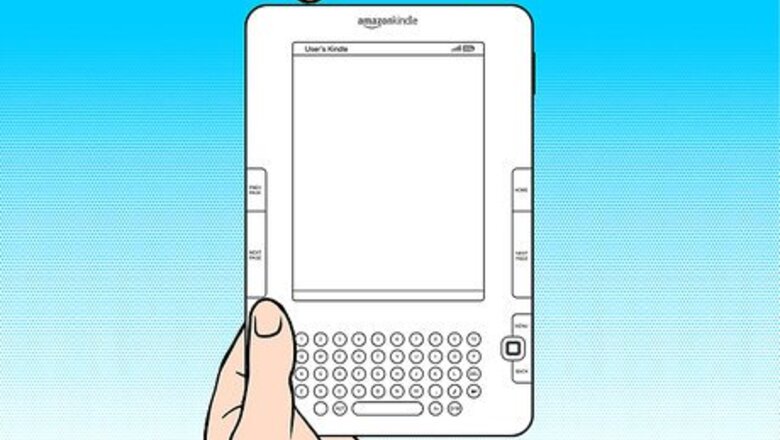

Is the text size you are reading the Kindle book with too hard to read, or too large to effectively get enough information on the screen to begin with? Try changing the reading's text size. This article will tell you how to do that.
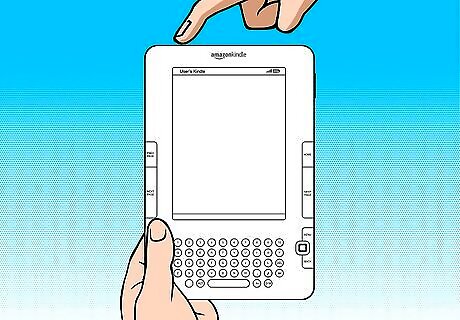
Turn on your Kindle device.
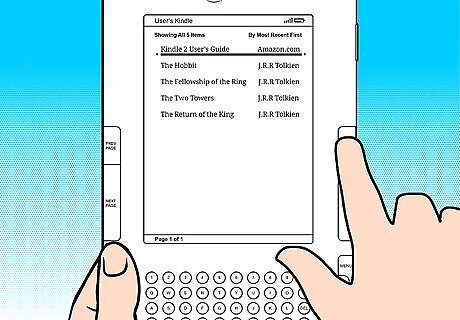
Press the Home key on your device, to ensure you are back at the Kindle device's Home screen.
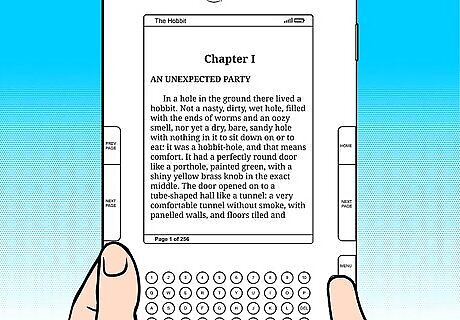
Open any book that you have downloaded to the device for reading. Use the 5-way selector to move between the downloaded books.
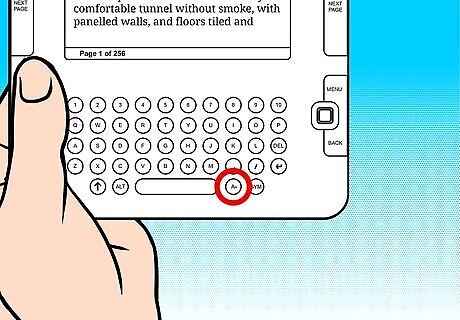
Locate the text-size button on your device. It should look like two capital-letter A's (of increasing size) and should be situated one button to the right of the Kindle's space bar.
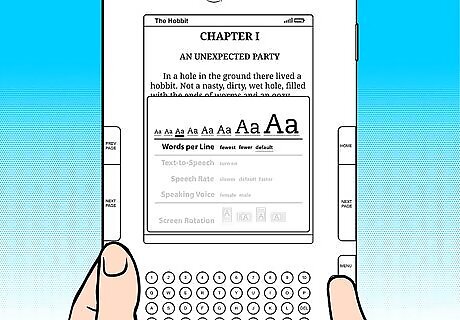
Use the 5-way selector (left and right arrows) to select the text-size you prefer reading all your books with.
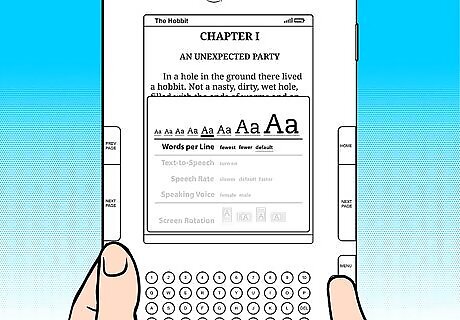
Wait for the preview to be fully shown on the remainder of the screen.
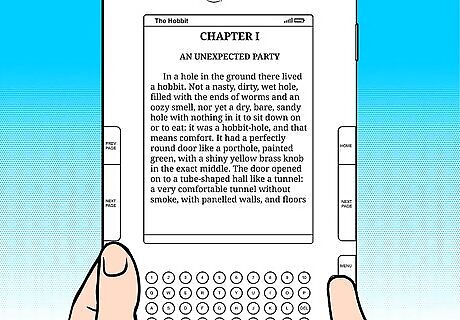
Press the Select button inside the 5-way selector to select your final choice.








Comments
0 comment